This is what we do
FAQ


Direct button in the menu to your unique image bank, adapted for use in Office programs

Give the entire organization access to a shared image library directly in the Office programs. The user can easily search for and insert the right image without having to search in folders, on the intranet or in other systems.
The image bank is adapted to the organization's own image material and makes it easier for everyone to use the right and current images. This saves time and at the same time contributes to a more uniform visual expression in documents and presentations.
Schedule a no-obligation Teams meeting where we’ll show you how we can help you streamline your daily work.



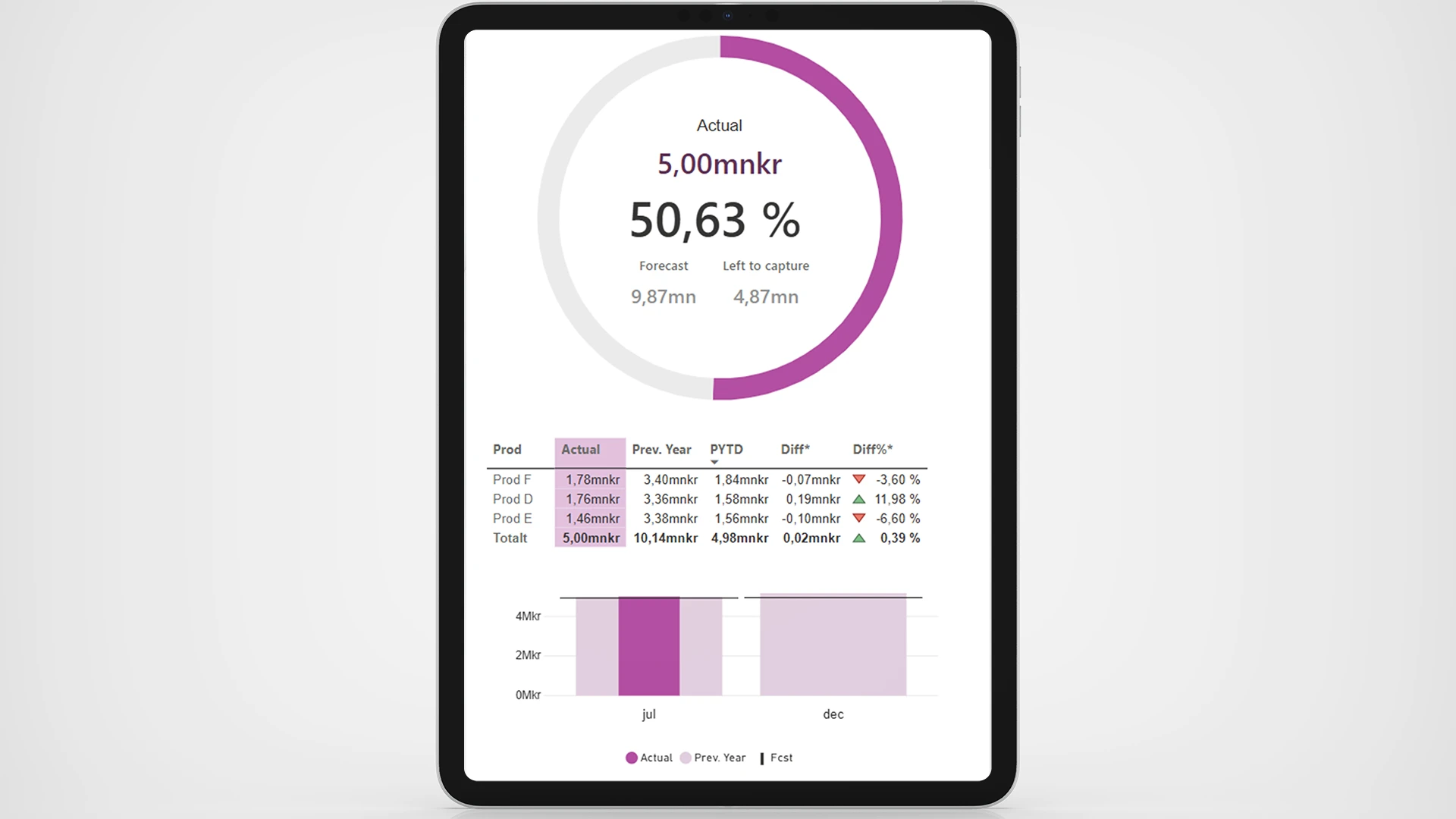
We help you identify, assess, and monitor risks in a way that actually works in your day-to-day operations. In Excel, Power BI, or both, depending on how you work.

Collect details of all the different offices or departments in one template - and apply the data you need instantly and easily with Company Details.
Your personal data saved and automatically updated for whenever you need it, with a simple click.
Information in the templates that should be included in, for example, headers/footers or recurring information that you do not want to have to fill in every time.

Our Outlook signature for Office 365 is automatically generated with the user's information, customized to the company's graphic profile and works seamlessly on all platforms without third-party software.
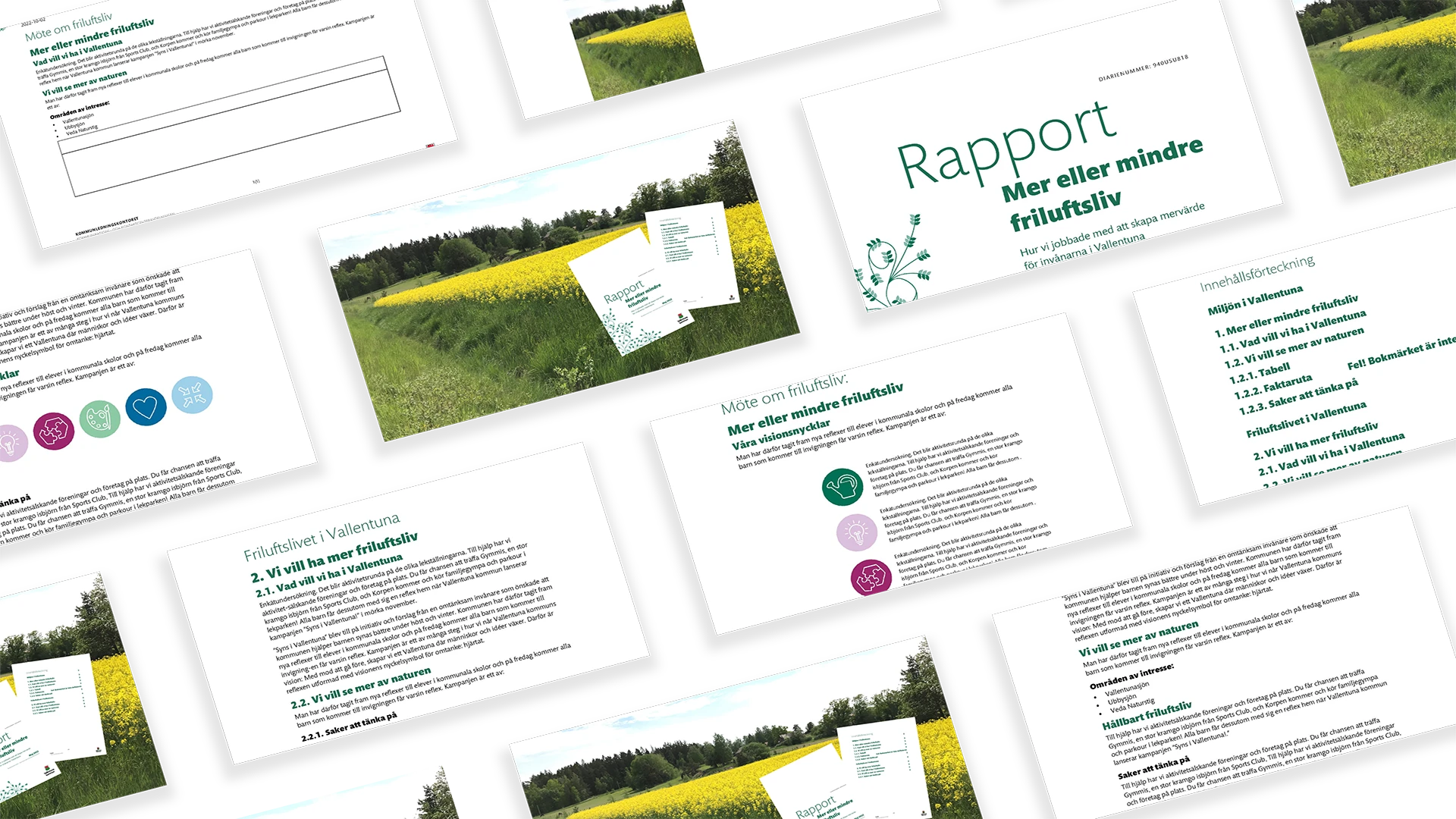
Build Word documents from a predefined structure. Choose through the interface what content you want to include.

Interactive navigation directly in PowerPoint that allows you to surf around your presentation unhindered
Feature that automatically updates in all templates in your organization when you update in the master file
Tools that automate security classification and other disclaimers in your various documents
A library that stores your designed and finished diagrams and makes them available to everyone in the organization
The color tool that makes your company's color palette available directly in PowerPoint, Word and Excel
The design tool in PowerPoint that picks your placements, colors and formats and applies them anywhere else you want
Direct menu button to access all your PowerPoint, Word, Excel and Outlook templates
A library of ready-made text sections that can be dragged directly into your Word document
A content library directly in PowerPoint where you can download ready-made pages of content and drag into your presentation
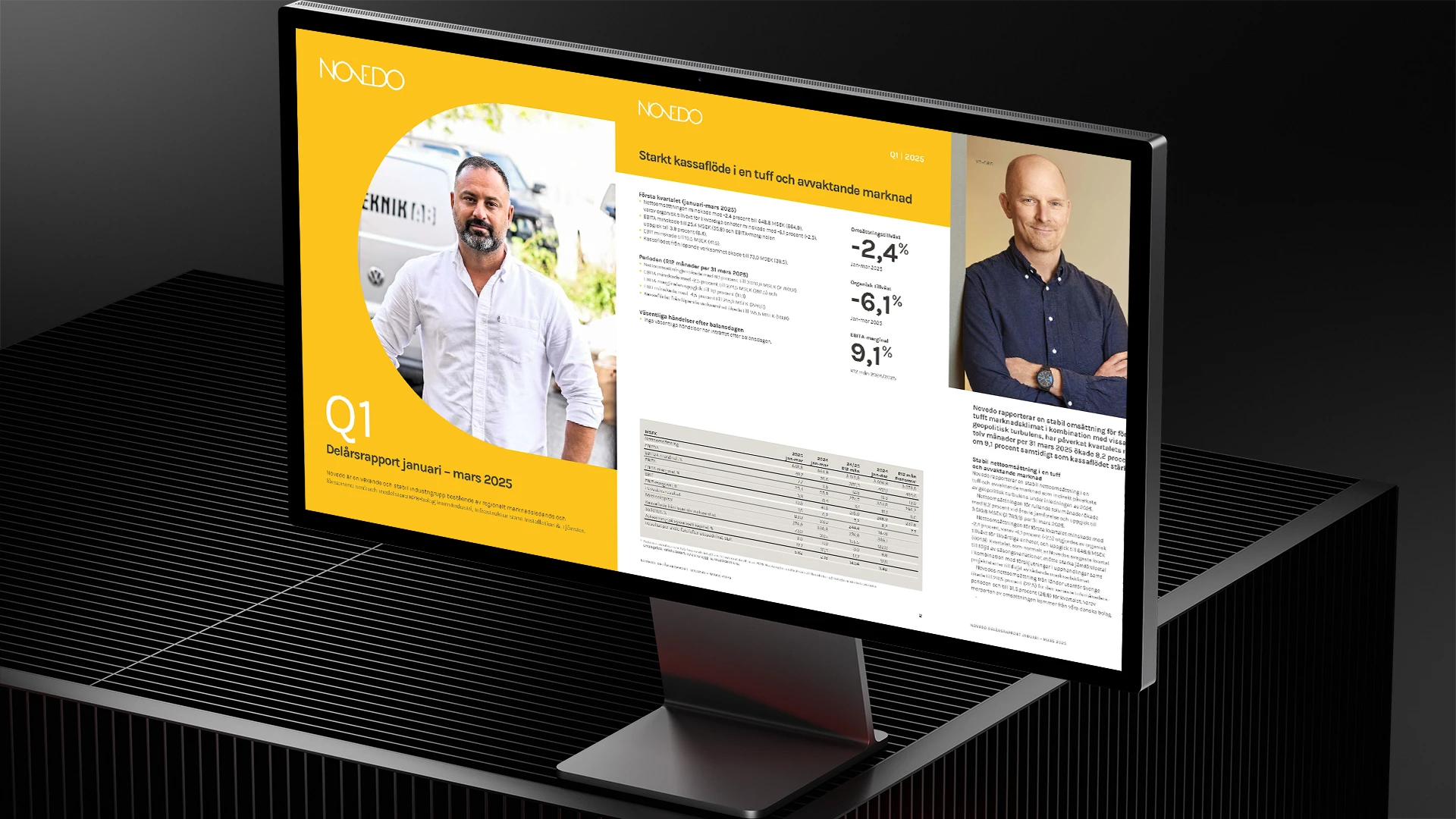
The tool that transfers and updates the changes and content you create in Excel directly to tables and charts in the Word template
Direct button in the menu to your unique image bank, adapted for use in Office programs
The tool that automatically transfers your updates in Excel to your charts and tables in PowerPoint
Direct access to your unique icons, in vector format that can be color edited and resized