
This is what we do
FAQ


Need help with Excel? Our Excel consultants will guide you and help you work smarter, faster, and more efficiently.
Together, we create solutions that simplify your daily life and make it easier for you to support your colleagues in their day-to-day work. We work across the entire Office ecosystem—from Excel to the Power Platform, including Power BI, Power Apps, and Power Automate. When off-the-shelf solutions aren’t enough, we build customized, programmed solutions that address real-world needs.
With the right tools and support, it becomes easier to create structure, save time, and get more done—both for you and the entire team.

Whether you want to make small improvements or build more advanced solutions, our Excel consultants will help you work smarter, making day-to-day tasks easier for both you and your colleagues.
We support you and help you find the right solution. Together, we’ll develop something that truly makes a difference.



We help you identify, assess, and monitor risks in a way that actually works in your day-to-day operations. In Excel, Power BI, or both, depending on how you work.
Just send us a quick note about what you need, and we'll take it from there.

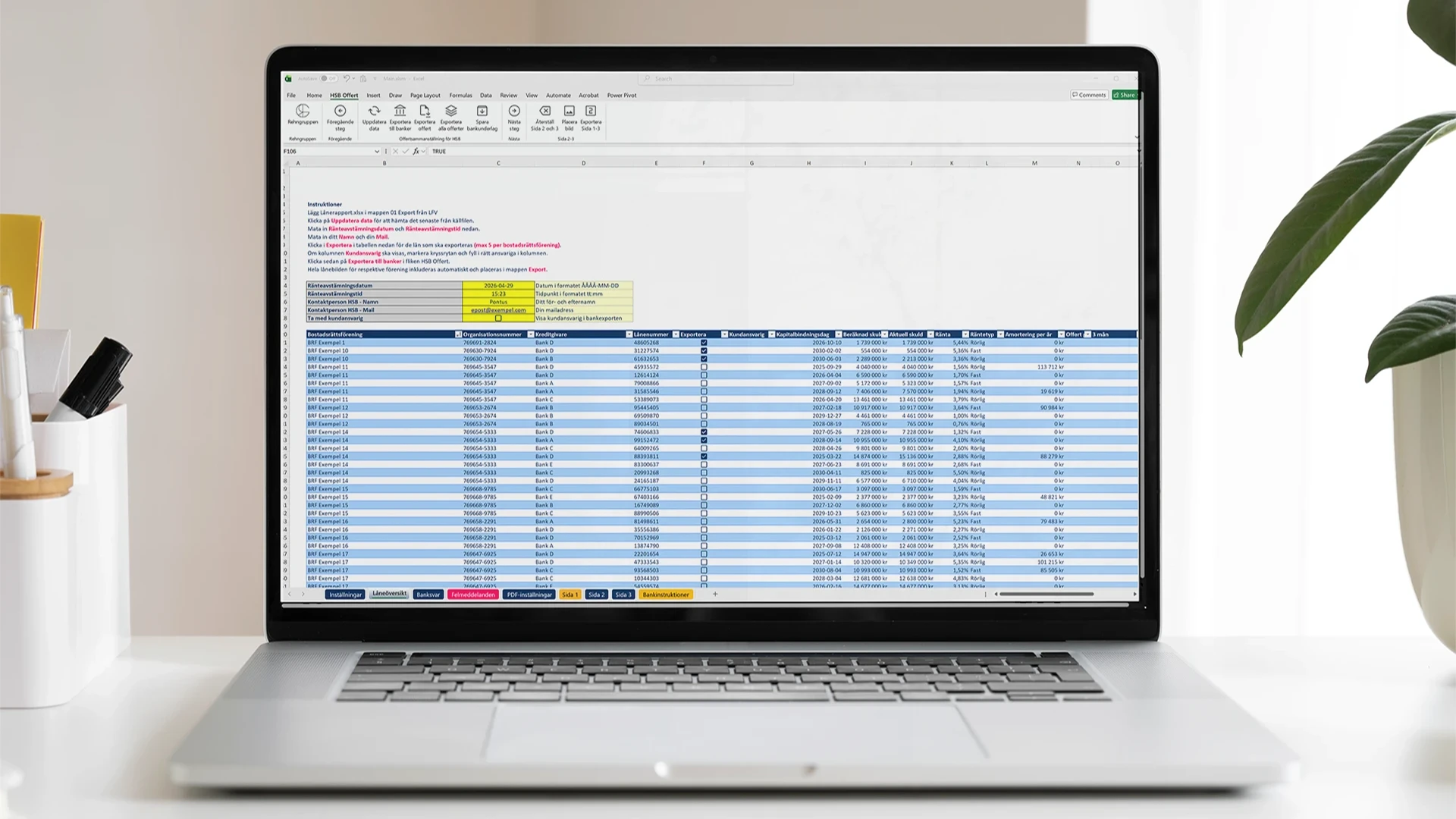

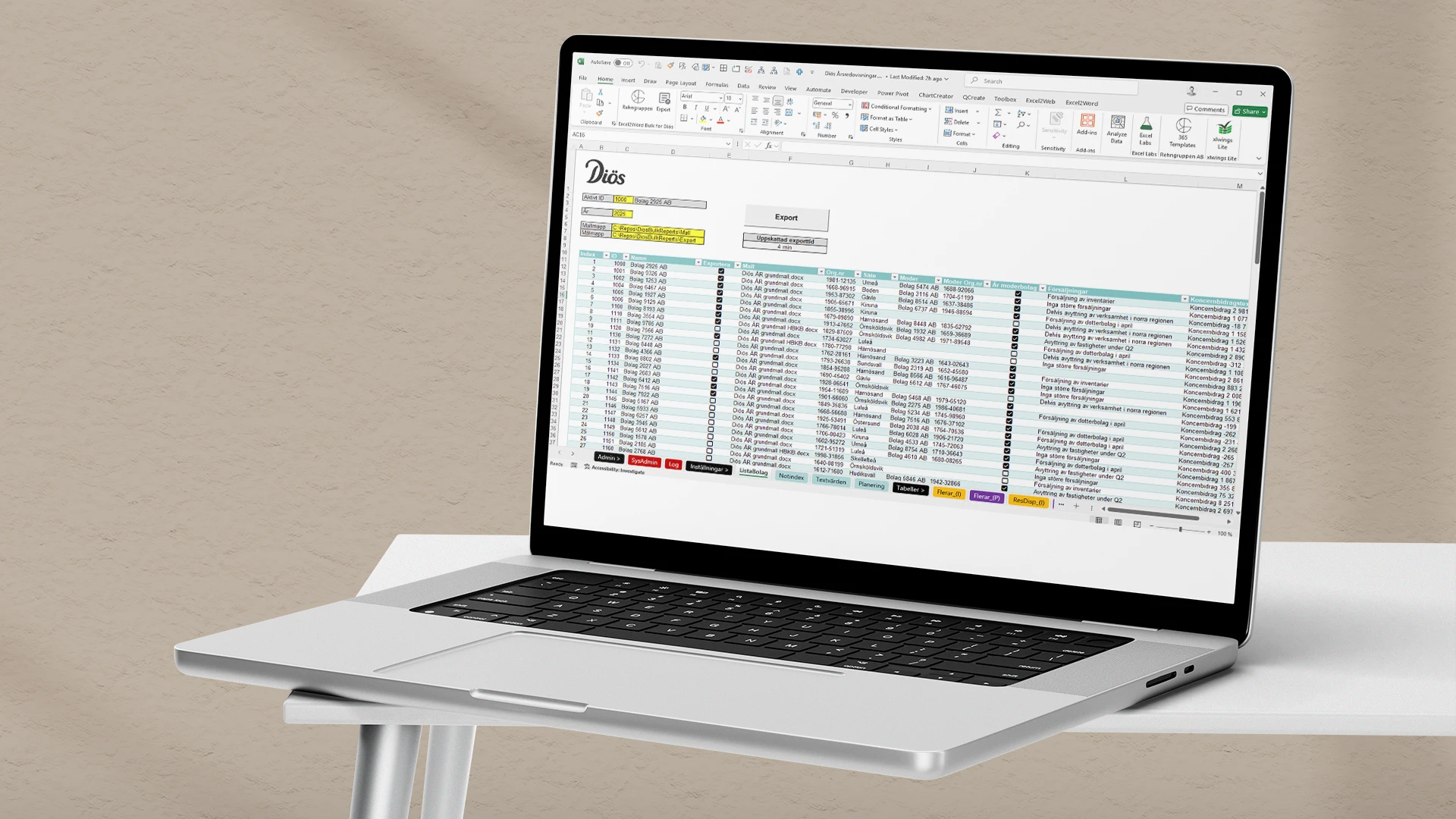
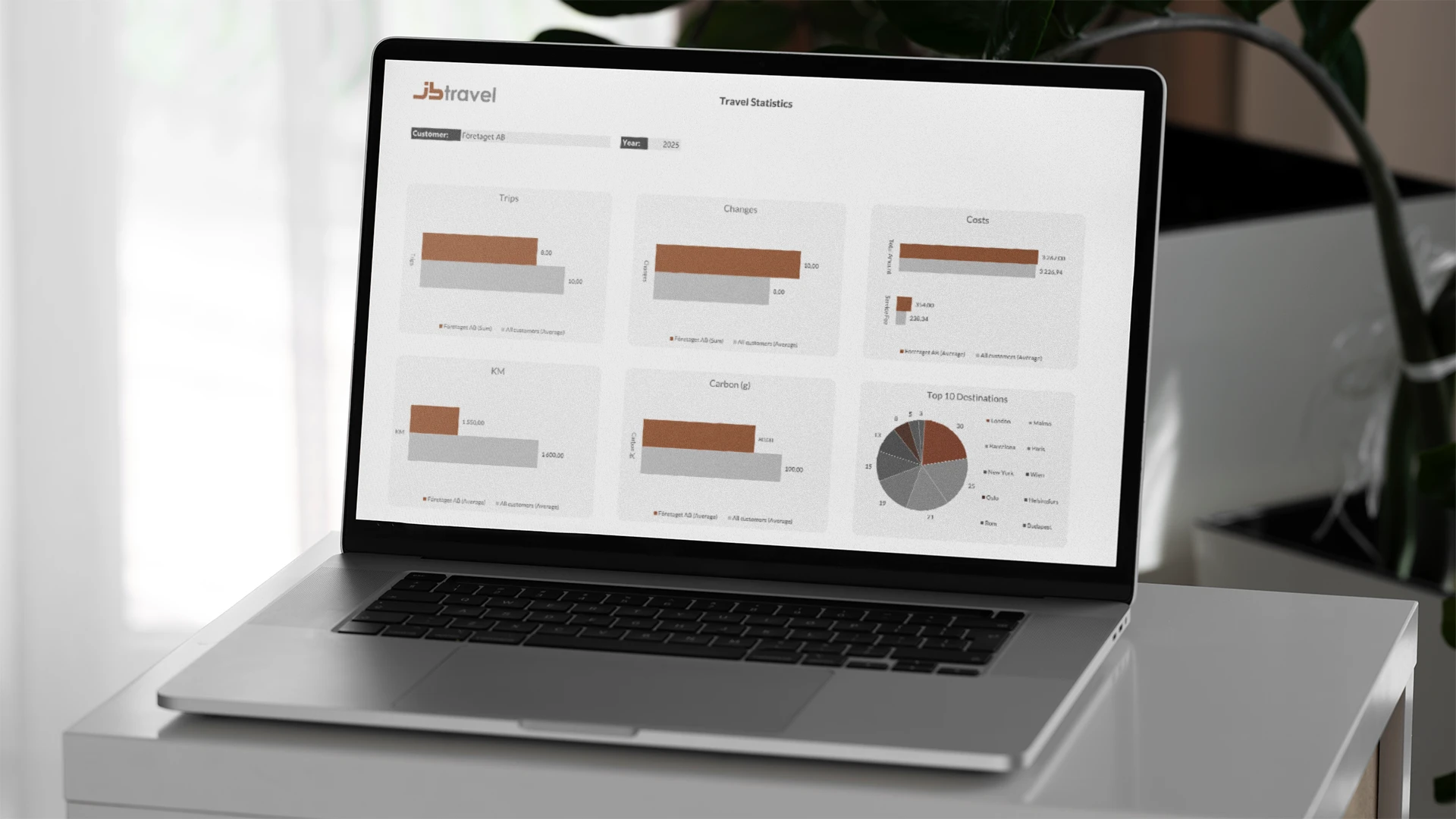
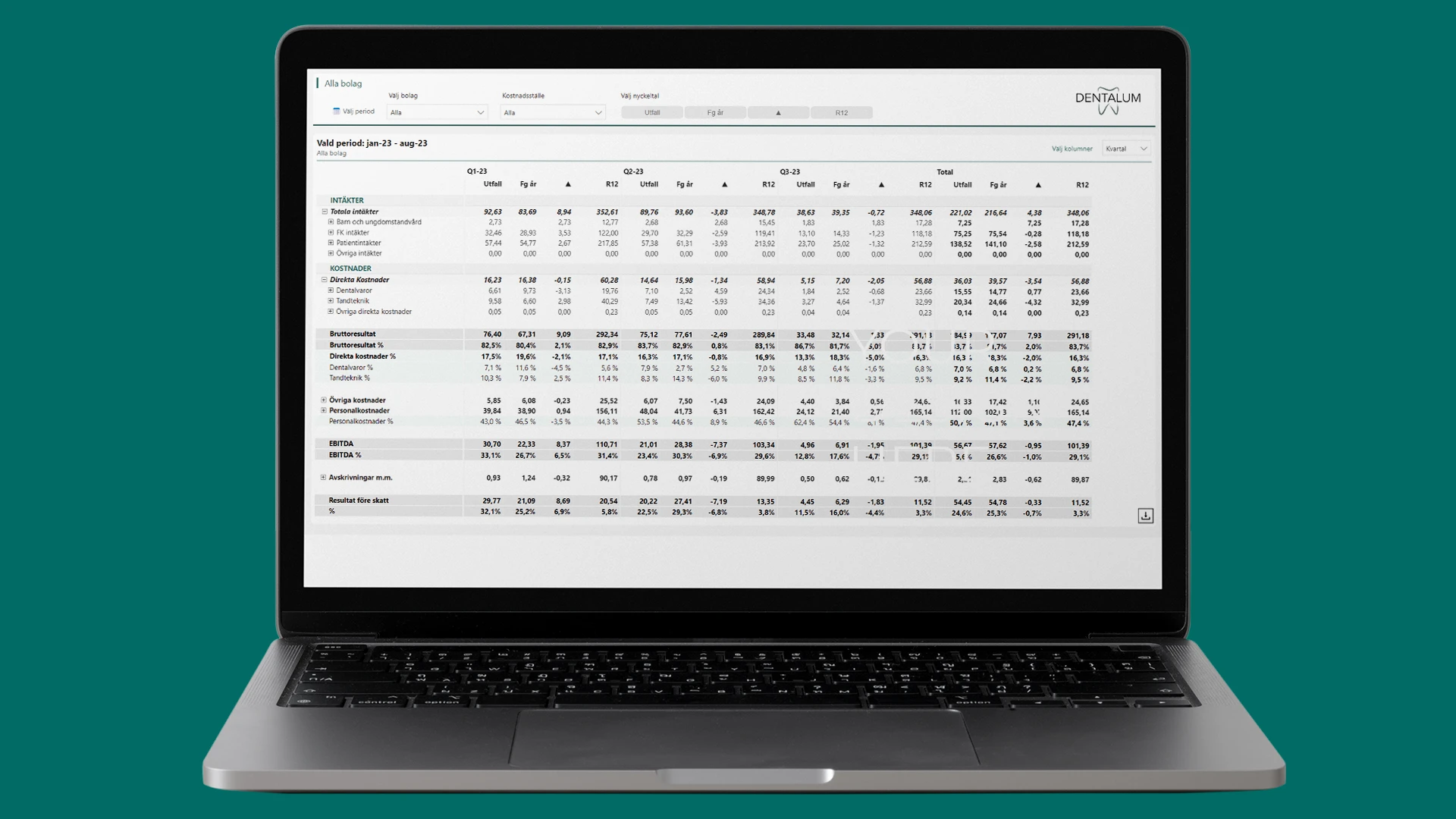






With Power BI, your charts and tables become interactive and easy to explore. You can also embed them directly on the web pages where you want to display them. Try it out in the example below: switch between quarterly and annual data, choose between the income statement and balance sheet, and discover more with just a few clicks.

The easiest way is to send us a brief description of what you want to achieve, and we’ll take it from there. We’ll start with a quick review of your files and needs, suggest a step-by-step plan, and bring in the right Excel consultant.
You can contact us using the form on this page, call 08-120 233 30, or email rehngruppen.
It depends on what you want to achieve. Before we get started, you'll receive a clear estimate of the time required, and you'll never pay for more time than we actually spend.
If you'd like ongoing assistance, we can arrange that as well. Our flexible support agreements are fully customized to meet your specific needs.
Everything that makes Excel more user-friendly, simpler, and more reliable. This can include models, report templates, dashboards, data import files, automation, and quality assurance. The goal is always the same: less manual work, fewer errors, and a workflow that more people can use.
We almost always start with what you already have. Often, we can organize it, streamline the logic, make the layout more consistent, and build on it with smart features without you losing your history or workflow.
Quickly. We usually start with a brief review of the files and what you want to achieve. Then we suggest a step-by-step approach so you can start seeing results right away.
Yes, we love anything that saves time! We automate tasks that would otherwise involve a lot of cutting and pasting: updating tables, report packages, checks, summaries, and exports. Sometimes Power Query and a smart structure are enough; other times, VBA or Office Scripts are needed.
We choose the option that will be the most reliable and easiest for you to maintain over time.
Often, yes. Common setups include connections to databases, APIs, CSV files, SharePoint/OneDrive, and various BI or financial systems, depending on your specific needs.
Excel is perfect when you need to work quickly, build models, perform analyses, and create reports that the team can update on their own.
Power BI is often the better choice when you want to share interactive reports widely across the organization, work with larger datasets, and rely on a single data source. We’ll help you make the right choice, and often the best solution is a combination: Excel for modeling and verification, and Power BI for distribution and monitoring.
Yes, we build solutions that work in the environments you actually use, whether you’re running Microsoft 365 or other versions. Before delivery, we review your setup (e.g., Windows/Mac, version level, SharePoint/OneDrive, and any IT policies) to ensure that the files are stable to use and easy to manage. If anything requires specific settings or options (e.g., VBA vs. Office Scripts), you’ll receive clear recommendations.
We work with a clear structure, traceable logic, and built-in controls. These may include input validation, error indicators, protection of critical components, and a layout designed to minimize the risk of errors.
Yes. We create templates that integrate numbers, text, and layout, ensuring a consistent, professional look every time. This saves time and makes it easier for more people to work on the files.
Absolutely. We don’t just hand you a file and hope for the best. You’ll receive a walkthrough, brief documentation where needed, and support when you start using it in production.
Yes. We can offer everything from introductory courses to training in Power Query, model building, dashboards, and best practices for collaboration in Excel.
Want to optimize your Excel files, save time, and gain better control? We can help you with models, reports, and automation.
Call us on 08-120 233 30 or email us to find out more!
Contact us for more information
