This is what we do
FAQ


We help you identify, assess, and monitor risks in a way that actually works in your day-to-day operations. In Excel, Power BI, or both, depending on how you work.
We help you identify, assess, and prioritize risks in a clear and organized manner. With a risk matrix and a structured risk analysis, it becomes easier to identify the most critical issues, track progress on actions, and build consensus within the organization.
Schedule a no-obligation Teams meeting where we’ll show you how we can help you streamline your daily work.
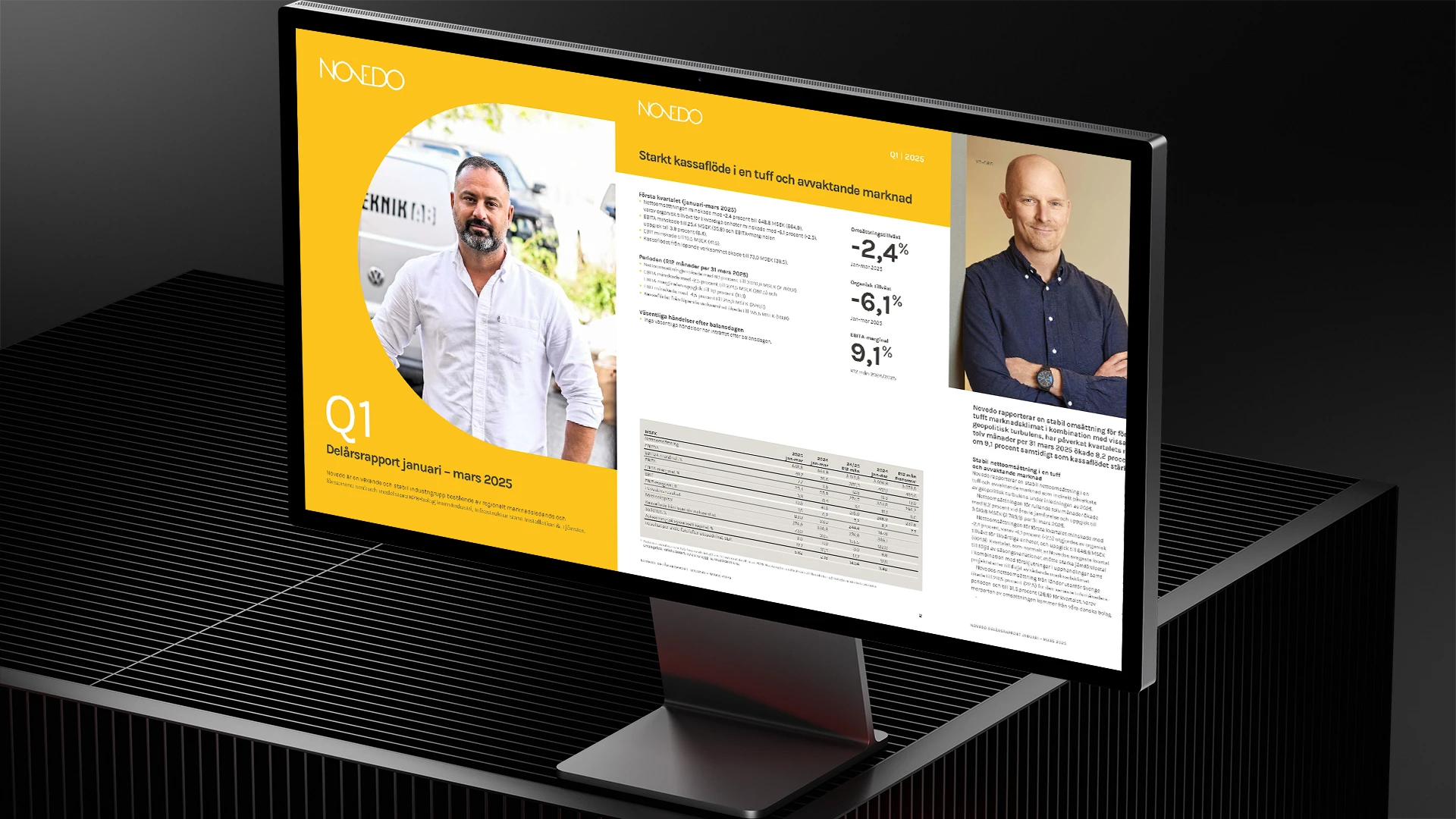

A risk matrix is a way to prioritize risks by weighing probability against impact. It gives you a clear picture of which risks require immediate action and which ones can be monitored.
When you want to get started quickly, work flexibly, and allow many people to contribute their input. Excel is also great for simpler scenarios, workshops, and when the risk register isn’t very large.
When you want to monitor risks on an ongoing basis, gather data from multiple sources, access interactive views, and ensure a shared understanding across the organization. Perfect for management monitoring and governance.
Yes. In Excel, we can automate tasks using structured tables, data validation, and Power Query. In Power BI, we can connect to data sources and receive scheduled updates, ensuring that the matrix is always up to date.
Yes. You can break down risks by unit, process, project, supplier, or product. In Power BI, this is made especially easy with drill-down features and clickable filters.
Absolutely. We can show trends over time, the status of actions, due dates, and risk levels before and after each action, so you can see the impact and assign responsibility.



Personal and company information is automatically placed in the correct location in your documents—always up to date and tailored to the user and organization.



We help you identify, assess, and monitor risks in a way that actually works in your day-to-day operations. In Excel, Power BI, or both, depending on how you work.

Information in the templates that should be included in, for example, headers/footers or recurring information that you do not want to have to fill in every time.

Our Outlook signature for Office 365 is automatically generated with the user's information, customized to the company's graphic profile and works seamlessly on all platforms without third-party software.
Build Word documents from a predefined structure. Choose through the interface what content you want to include.

Interactive navigation directly in PowerPoint that allows you to surf around your presentation unhindered
Feature that automatically updates in all templates in your organization when you update in the master file
Tools that automate security classification and other disclaimers in your various documents
A library that stores your designed and finished diagrams and makes them available to everyone in the organization
The color tool that makes your company's color palette available directly in PowerPoint, Word and Excel
The design tool in PowerPoint that picks your placements, colors and formats and applies them anywhere else you want
Direct menu button to access all your PowerPoint, Word, Excel and Outlook templates
A library of ready-made text sections that can be dragged directly into your Word document
A content library directly in PowerPoint where you can download ready-made pages of content and drag into your presentation
The tool that transfers and updates the changes and content you create in Excel directly to tables and charts in the Word template
Direct button in the menu to your unique image bank, adapted for use in Office programs
The tool that automatically transfers your updates in Excel to your charts and tables in PowerPoint
Direct access to your unique icons, in vector format that can be color edited and resized