This is what we do
FAQ


Our Outlook signature for Office 365 is automatically generated with the user's information, customized to the company's graphic profile and works seamlessly on all platforms without third-party software.

Having a consistent email signature that follows your organization's graphic guidelines is crucial to strengthen your brand and avoid variations, such as old profiles or unofficial fonts. Now available for Office 365, our Outlook signature works seamlessly on all versions of Outlook - the web version, installed client versions for Windows and Mac.
The signature is automatically generated based on the user's personal details, such as name, email address, department and phone number. It can be centrally managed to ensure that it follows the company's graphic profile.
The solution is fully integrated into the Office 365 platform, without involving any third-party provider, and requires no installation.
It is also possible to create several different signatures, for example for reply emails, English-language emails or seasonal signatures. The system automatically manages which signature is used for new emails or reply emails.
Schedule a no-obligation Teams meeting where we’ll show you how we can help you streamline your daily work.

No, we can never read your emails. That’s because the add-in is installed on your end, on the client side. Therefore, the email is not sent via Rehngruppen. The only thing that happens when the tool is used is that the signature is added to your email.
You can read about how our add-ins work on this page: rehngruppen.se/faq/informationssakerhet.
The email signature tool is available directly in Outlook. To open the tool, click the signature selection button (your organization's logo) in the menu under the Message tab. This tab is visible when you create or reply to an email.
Yes, you can see what the signature looks like. The signature appears in your email.
Yes, that's possible. If the email signature administrator in your organization has chosen to create multiple signatures, you can choose between them using the panel on the right, which you can display by clicking the signature selection button in the menu.
No, not if you're using the new Outlook, Outlook for Mac, or Outlook Online.
However, if you use Outlook Classic, you’ll need to install an add-in that applies the default and reply signatures. Rehngruppen sends an MSI file to your IT department, which then distributes the tool to users. Users need to restart Outlook Classic for the new signatures to be applied. Other features, such as changing signatures and viewing the signature pane, work the same way in Outlook Classic as they do on other platforms.
You can create email signatures through the Rehngruppen portal 365|TemplateExtender. You can create several different signatures. For example, you can have different signatures for Swedish/English or standard/reply signatures. You create the signature in HTML. There is an editor where you can retrieve user information and upload images, such as your logo. Rehngruppen is happy to provide tips on how to create a signature that works well for most recipients, regardless of platform or device.
As an administrator, you can give users direct access to the email signatures you create. However, you can also publish them in test mode before deciding to make them available to all users. Test mode allows you to verify that the signature works before you publish it.
You can also create time-based email signatures to use as either your default signature or your reply-to signature—for example, for campaigns.





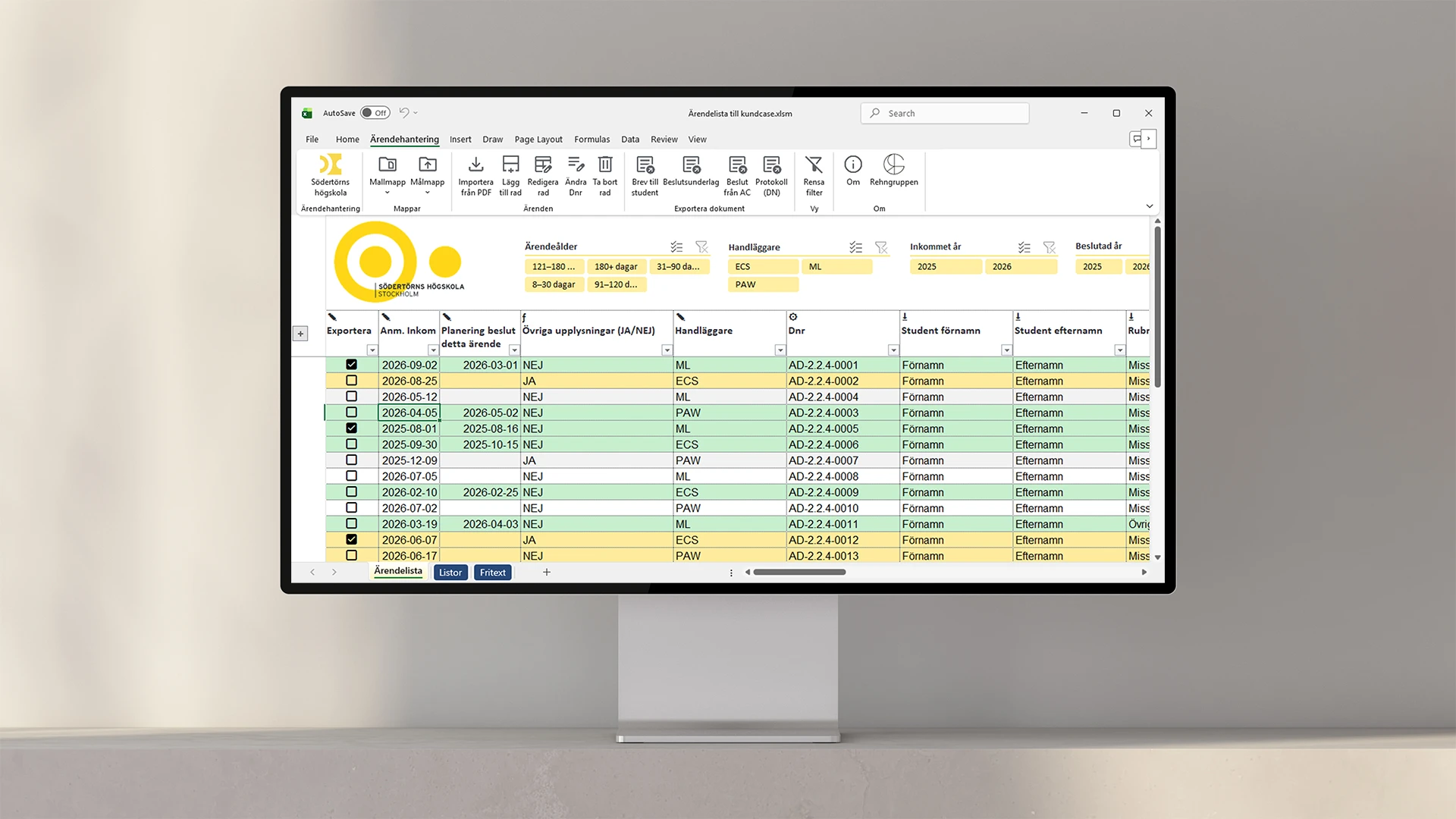
We help you identify, assess, and monitor risks in a way that actually works in your day-to-day operations. In Excel, Power BI, or both, depending on how you work.

Collect details of all the different offices or departments in one template - and apply the data you need instantly and easily with Company Details.
Your personal data saved and automatically updated for whenever you need it, with a simple click.
Information in the templates that should be included in, for example, headers/footers or recurring information that you do not want to have to fill in every time.

Our Outlook signature for Office 365 is automatically generated with the user's information, customized to the company's graphic profile and works seamlessly on all platforms without third-party software.
Build Word documents from a predefined structure. Choose through the interface what content you want to include.

Interactive navigation directly in PowerPoint that allows you to surf around your presentation unhindered
Feature that automatically updates in all templates in your organization when you update in the master file
Tools that automate security classification and other disclaimers in your various documents
A library that stores your designed and finished diagrams and makes them available to everyone in the organization
The color tool that makes your company's color palette available directly in PowerPoint, Word and Excel
The design tool in PowerPoint that picks your placements, colors and formats and applies them anywhere else you want
Direct menu button to access all your PowerPoint, Word, Excel and Outlook templates
A library of ready-made text sections that can be dragged directly into your Word document
A content library directly in PowerPoint where you can download ready-made pages of content and drag into your presentation
The tool that transfers and updates the changes and content you create in Excel directly to tables and charts in the Word template
Direct button in the menu to your unique image bank, adapted for use in Office programs
The tool that automatically transfers your updates in Excel to your charts and tables in PowerPoint
Direct access to your unique icons, in vector format that can be color edited and resized