This is what we do
FAQ


Personal and company information is automatically placed in the correct location in your documents—always up to date and tailored to the user and organization.
With User Data, you can use both personal information and company information directly in your organization’s documents. Information such as name, email address, title, department, and phone number can be retrieved from Microsoft Entra ID and updated automatically, so users don’t have to enter the same information every time a new document is created.
You can also collect information specific to the organization, such as company, country, office, department, and logo. This makes it possible to customize the same template for different parts of the organization and ensure that the right information is displayed to the right users.
As an administrator, you manage the data centrally through the administration portal. There, you can add new data fields, edit existing data, and organize the information according to your organization's needs.
Combine Multiple Fields
Multiple data fields can be combined, for example, to create footers or complete contact information. If a field is missing a value, the content is automatically adjusted so that the result remains accurate and visually appealing. Changes take effect wherever the information is used, saving time and reducing the need for manual updates.
Schedule a no-obligation Teams meeting where we’ll show you how we can help you streamline your daily work.
Personal and company information is automatically placed in the correct location in your documents—always up to date and tailored to the user and organization.



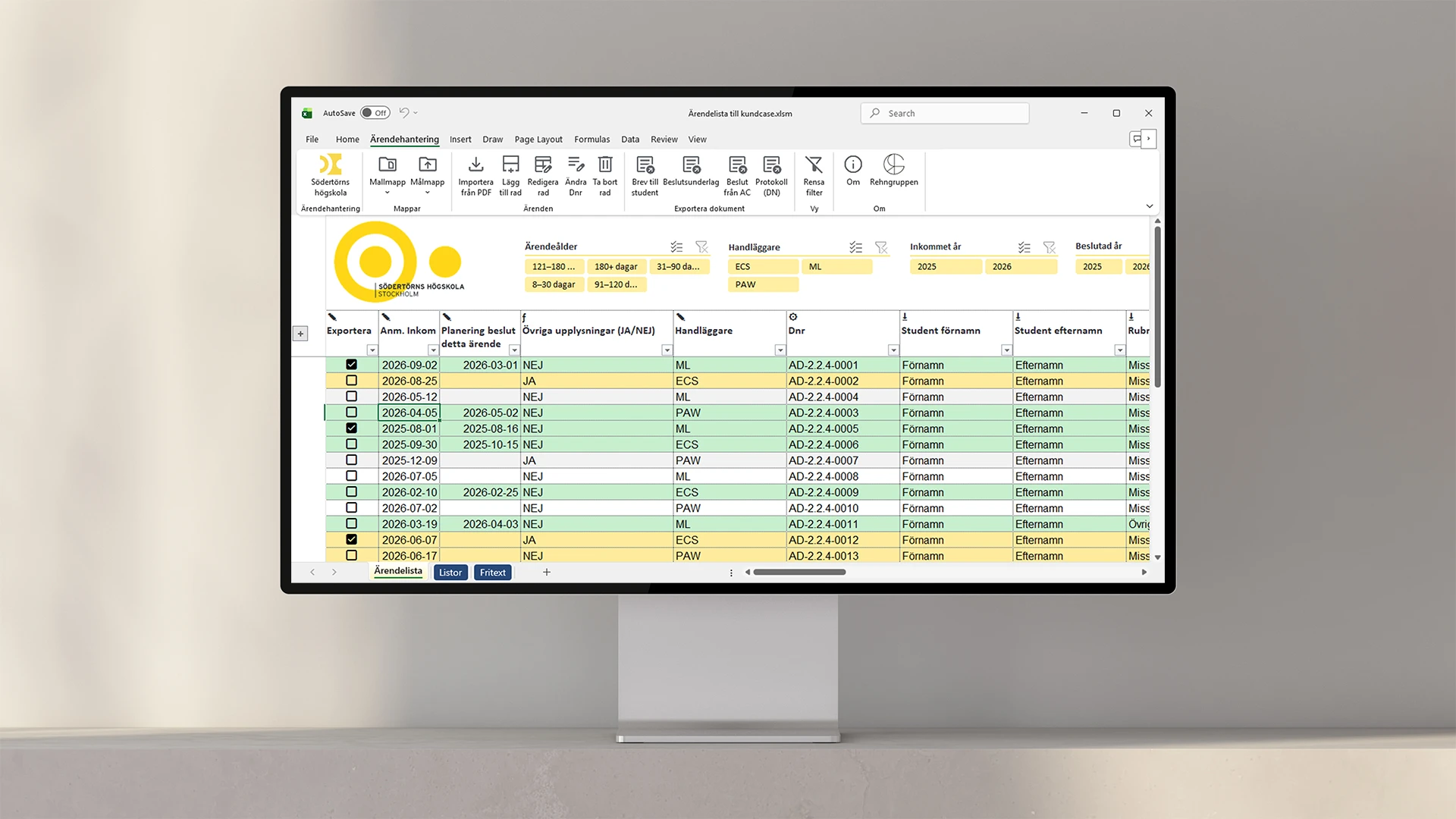
We help you identify, assess, and monitor risks in a way that actually works in your day-to-day operations. In Excel, Power BI, or both, depending on how you work.

Information in the templates that should be included in, for example, headers/footers or recurring information that you do not want to have to fill in every time.

Our Outlook signature for Office 365 is automatically generated with the user's information, customized to the company's graphic profile and works seamlessly on all platforms without third-party software.
Build Word documents from a predefined structure. Choose through the interface what content you want to include.

Interactive navigation directly in PowerPoint that allows you to surf around your presentation unhindered
Feature that automatically updates in all templates in your organization when you update in the master file
Tools that automate security classification and other disclaimers in your various documents
A library that stores your designed and finished diagrams and makes them available to everyone in the organization
The color tool that makes your company's color palette available directly in PowerPoint, Word and Excel
The design tool in PowerPoint that picks your placements, colors and formats and applies them anywhere else you want
Direct menu button to access all your PowerPoint, Word, Excel and Outlook templates
A library of ready-made text sections that can be dragged directly into your Word document
A content library directly in PowerPoint where you can download ready-made pages of content and drag into your presentation
The tool that transfers and updates the changes and content you create in Excel directly to tables and charts in the Word template
Direct button in the menu to your unique image bank, adapted for use in Office programs
The tool that automatically transfers your updates in Excel to your charts and tables in PowerPoint
Direct access to your unique icons, in vector format that can be color edited and resized