This is what we do
FAQ


Kreera had separate Excel templates that worked, but were difficult to use and lacked important features. We built a comprehensive tool that combines a timeline, budget, and tracking all in one document. We also created a simpler version for those working on smaller projects.
Automate your reportsLearn more about our Office templates
Kreera samhällsbyggnad is a consulting firm specializing in transportation and urban planning with offices in Malmö. They help clients plan, design, and monitor urban development projects and have staff with broad expertise in everything from traffic analysis to project design. With projects that vary greatly in size and complexity, they need flexible internal tools that work for everyone on the team, regardless of their level of familiarity with Excel.
Construction and Real Estate
50
The project template created—known as an ATR template—is their internal tool for planning and tracking projects. It is designed to track the schedule, budget, and resources all in a single document. The template was perceived as cumbersome, and different employees were working with different versions; there was no clear follow-up section, and the template was not easy to use for those who do not work in Excel on a daily basis. A solution was needed that the entire organization would actually start using.
We developed a new project template in close collaboration with Kreera’s team. The work was carried out in stages, with regular check-ins and rounds of testing. This allowed us to identify issues that were difficult to articulate in writing but became clear once the template was actually put into use. Kreera also requested a simplified version for smaller projects that provided a quick overview of the timeline and budget.
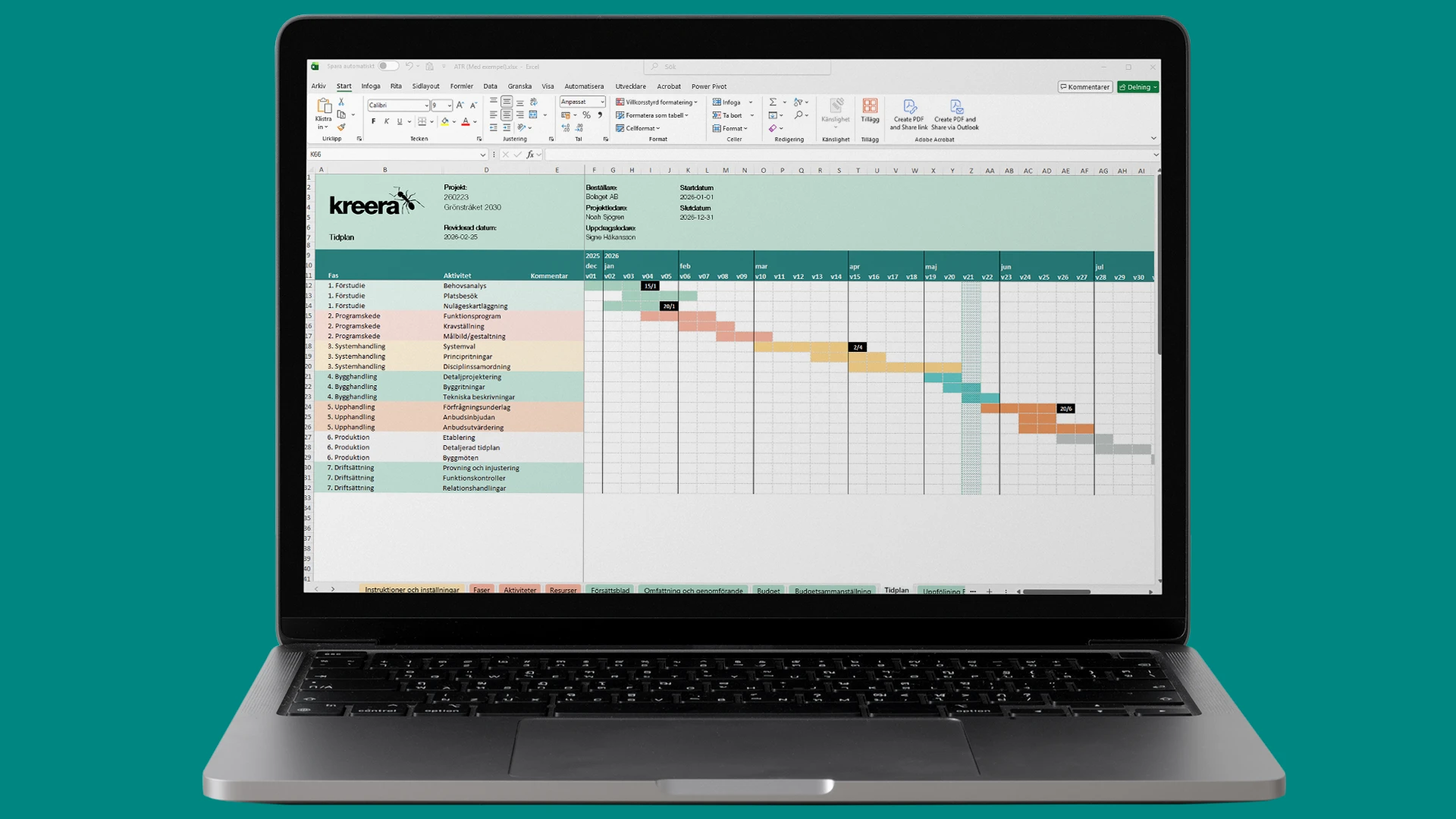
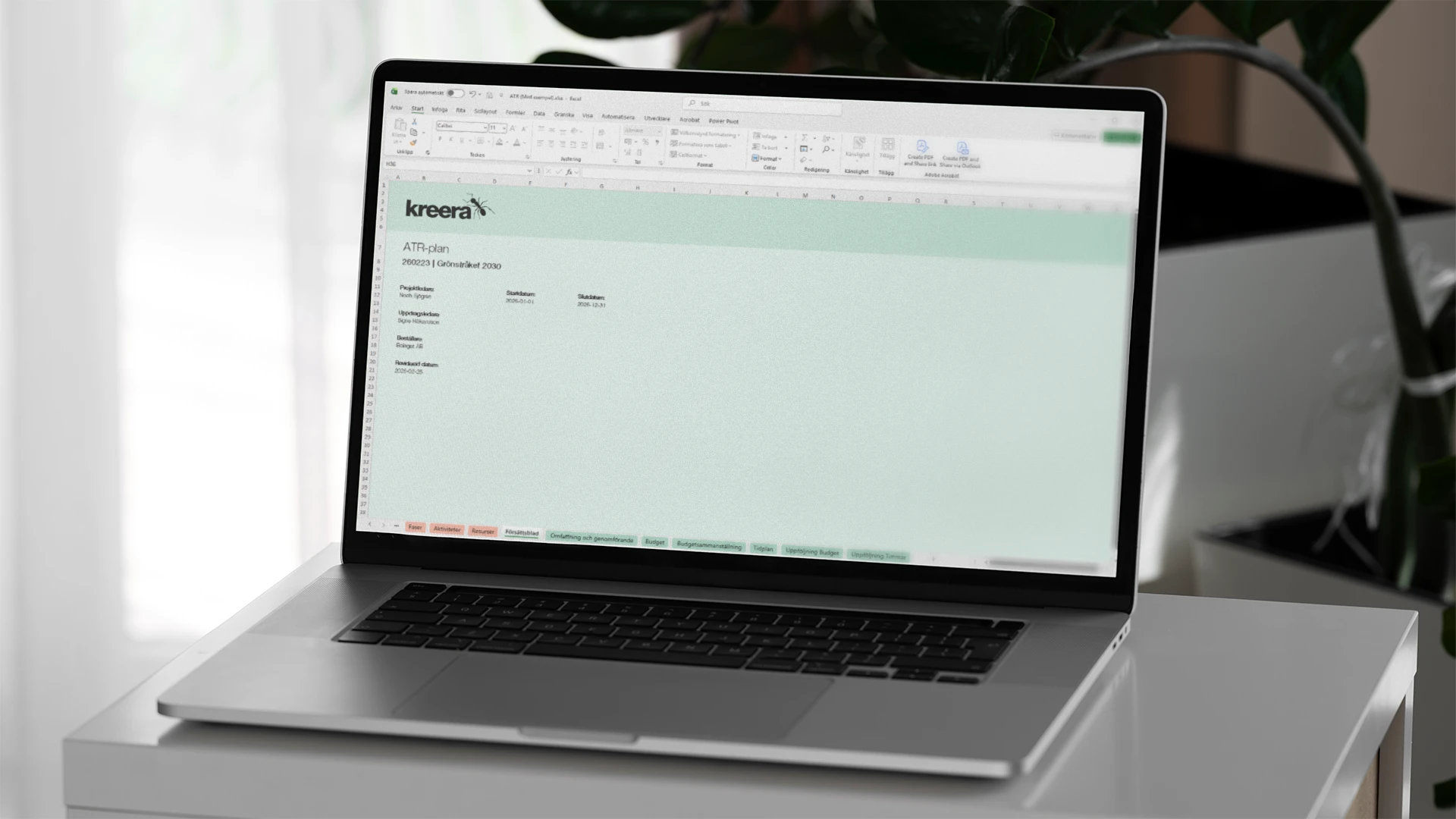
The project template is organized into several tabs, each with a specific purpose. An instructions tab explains how the template works and how to add rows, expand the timeline, or export to PDF. The timeline is dynamic, with the current week automatically highlighted. The budget tab summarizes hours and costs per phase, activity, and resource, and a separate budget summary makes it easy to choose whether to send a detailed or overview report to the client. The tracking tab displays the amount spent per phase in a chart and also supports additional assignments.


When the entire organization uses the same template, a lot of friction is eliminated. The project manager doesn’t have to hunt down an old version or explain how a colleague’s file is structured. The budget and schedule are all in one document, so it’s always clear what the status is. Follow-up happens in real time instead of after the fact, making it easier to catch deviations early on. And when it’s time to report to the client, the report is already ready to print.
Kreera now has a tool that the entire organization actually uses. The template is tailored to how they really work, and that’s exactly what makes the difference. It’s not a generic solution that requires them to adapt their workflow, but a tool that fits into what already works.
Fill out the form or call 08-120 233 30.