
This is what we do
FAQ


We build VBA solutions that handle repetitive tasks and turn Excel into a smarter tool. Macros and functions that work for you, so you don’t have to do the same thing over and over again.
We help you find smart ways of working that save time and reduce the risk of errors.
We build VBA solutions that automate repetitive tasks and reduce the risk of errors. These solutions can range from buttons and forms to data import, validation, and report generation, all tailored to your specific workflows.
The result is a more streamlined workflow, less manual work, and files that are easier to use and maintain.
When Elajo wanted to take the next step in streamlining and visualizing their door installations, they made a wise decision: To invest in a smarter, more transparent way of working. With a clear vision of gathering both details and the whole in one tool, they turned to us - and together we created a flexible, visually clear and project-adapted Excel model that lifts the entire work process.
Diös Fastigheter wanted to avoid manual puzzles every time it was time for all annual reports. We built a smart template in Excel and Word where all subsidiaries are automatically exported. Same layout, no errors, ready in an instant.
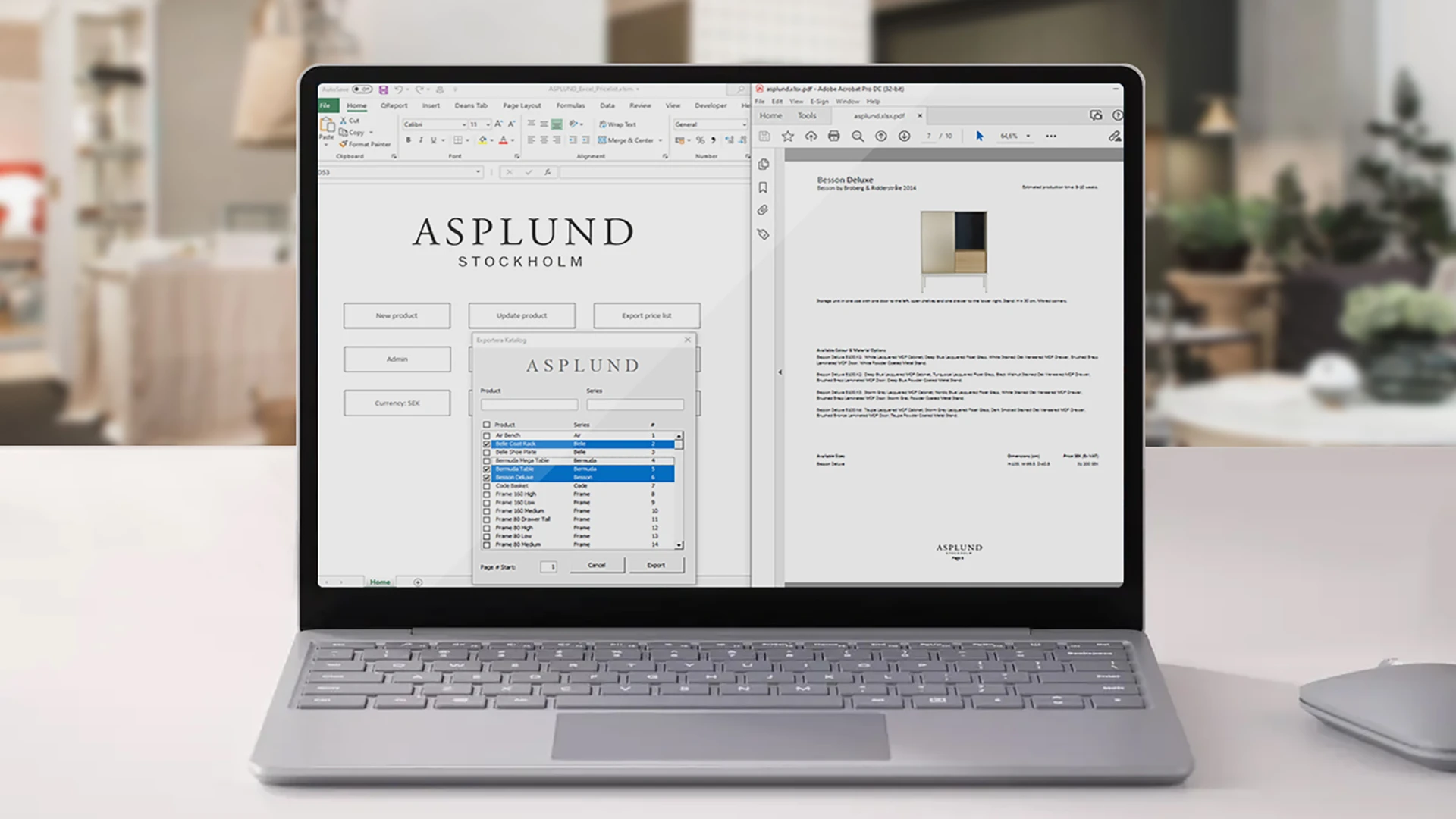
Asplund needed a more efficient solution for their product and price lists. We developed an interactive Excel model that makes it easy to update products, manage attributes and export finished catalogs - all in a single file. The result is a user-friendly and time-saving tool that simplifies everyday life.

VBA is Excel's built-in programming language. It's ideal for automating tasks, controlling click flows, creating buttons, and building smart functions in existing workbooks.
For example, importing and exporting data, generating reports, formatting, updating pivot tables, printing, file management, quality assurance, and workflows that would otherwise take a long time to perform manually.
It depends on your needs. Power Query is often best for data retrieval and transformation. VBA is powerful when you need buttons, workflows, user forms, and automation within Excel. It can often be a combination of both as well.
Yes. We can create clear menus, buttons, and forms so that more people can use the solution without needing advanced Excel skills.
Yes, VBA works in the Windows version of Excel. VBA is also available on Mac, but with certain limitations. We can help you choose a solution that suits your environment.
Yes, that’s one of the major advantages of VBA. Common use cases include creating reports in Word or PowerPoint from Excel, exporting to PDF, or retrieving data from Outlook and other Office components, depending on your needs and permissions.
Yes. We can troubleshoot, clean up the code, make it faster, reduce dependencies, and make it easier to maintain, so that it continues to work even after the person who built it is no longer there.
Tell us how you work today, and we’ll suggest a plan that will save you time right away.
Call us on 08-120 233 30 or email us to find out more!
Contact us for more information